
Why Online Backup Remains a Must for Digital Safety?
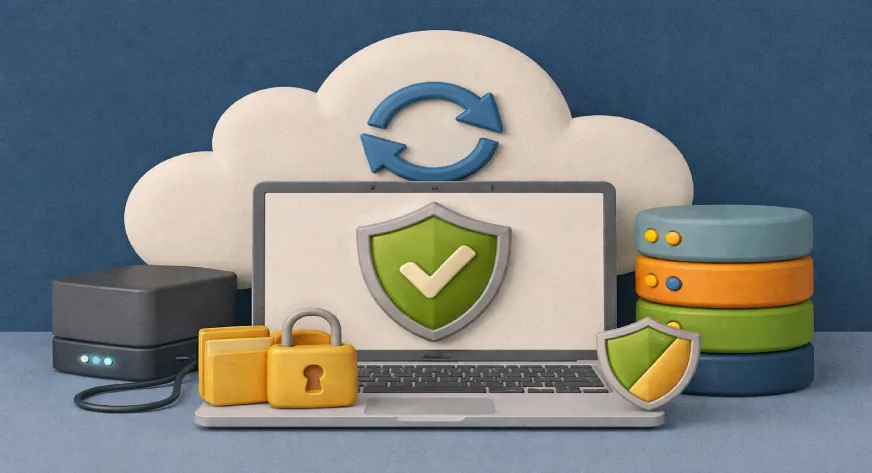
Online backup remains a must for digital safety because it protects your data from loss caused by device failure, cyberattacks, accidental deletion, or disasters, ensuring your important files can be recovered anytime, anywhere.
Digital life is now an essential part of both personal and professional routines. From work documents and photos to videos and financial records, losing data can be frustrating and sometimes disastrous. This is where online backup comes in a reliable way to protect your files and ensure your data remains safe no matter what happens. By storing copies of your data in secure remote servers, online backup safeguards against accidental deletion, device failure, cyberattacks, and even natural disasters.
What Online Backup Means?
At its core, online backup is the process of copying data from your devices to a remote server via the internet. Unlike manual backups that require your attention and memory, online backup runs automatically in the background. This ensures that the most recent versions of your files are always protected, giving you peace of mind that your data is safe even if your local device fails.
How Online Backup Protects Your Data?
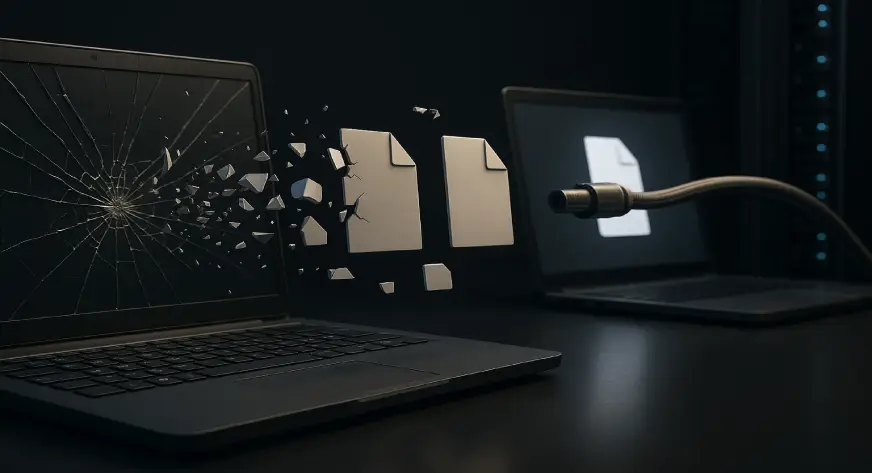
Online backup offers protection against multiple risks:
- Device Failure: If your computer, phone, or external drive breaks down, your files remain secure online.
- Accidental Deletion: Mistakenly deleted files can be easily restored from backup servers.
- Cyber Threats: Malware, ransomware, and other cyberattacks can compromise local storage, but your online backup stays safe.
- Natural Disasters: Events like floods, fires, or theft won’t affect remotely stored data.
This layered protection ensures that both everyday mistakes and serious incidents won’t lead to permanent data loss.
Also Read, Why ExtraSpace Storage Is Trusted by Many Users?
Why Do Individuals Need Online Backup?
For personal users, online backup is more than a safety net it’s a convenience:
- Memories Saved: Photos and videos of special moments are secure and easy to access.
- Important Documents: Tax records, contracts, and certificates are protected.
- Peace of Mind: Automatic backups mean no more worrying about forgetting to copy files manually.
Even casual users benefit from online backup, as it keeps personal data organized and retrievable at any time.
Features to Look For in Online Backup

When choosing an online backup solution, consider these key features:
- Automatic Backups: Updates happen without your intervention.
- File Versioning: Restore previous versions if mistakes occur.
- Strong Encryption: Keeps your data secure from unauthorized access.
- Multi-Device Support: Access files from different devices seamlessly.
These features ensure your data isn’t just stored—it’s well protected and easily recoverable.
Misunderstandings About Online Backup
Some people think that online backup isn’t necessary if they already use cloud storage or external drives. However, online backup has specific advantages:
- Cloud Storage vs Backup: Cloud storage is mainly for file access and sharing, while backup ensures a recoverable copy.
- External Drives: These can fail, get lost, or be stolen, making them less reliable as the sole backup solution.
Recognizing the difference helps you understand why online backup remains a crucial tool.
Cost and Benefits of Online Backup

Online backup doesn’t have to be expensive. Many providers offer flexible plans based on storage needs. When evaluating the cost, consider:
- Data Protection: The value of your data far exceeds the backup price.
- Automation: Saves time compared to manual backups.
- Peace of Mind: Knowing your files are safe allows you to focus on other tasks.
Investing in online backup is more about security and convenience than simply To make the most of online backup, follow these tips: storage space.
Best Practices for Online Backup
- Regular Schedule: Ensure backups are frequent and automatic.
- Test Restores: Occasionally restore files to verify the system works.
- Organized Folders: Clear folder structures make recovery easier.
- Strong Credentials: Use strong passwords and enable two-factor authentication.
Following these practices ensures your backup system is reliable and effective.
Also Read, Which is The Best Cloud Storage Services Providers?
The Future of Online Backup
With growing reliance on digital files, online backup will continue to evolve. Features like AI-driven file management, increased encryption standards, and cross-device sync are making it easier for individuals and businesses to stay secure. As data grows, online backup becomes an indispensable tool for protecting digital life.
Final Thoughts
Online backup is essential for anyone who values their digital files, whether for personal memories or business-critical data. It protects against device failures, accidental deletion, cyber threats, and natural disasters, offering peace of mind and reliability. Choosing the right online backup solution and following best practices ensures your data remains safe, accessible, and organized. As digital reliance grows, online backup will remain a cornerstone of digital safety.
Athena by WebWorks Co. provides secure and reliable online backup solutions with automated updates, easy access across devices, and strong data protection, helping you safeguard what matters most.
