
Why Choose Cloud Storage Over External Hard Drives?
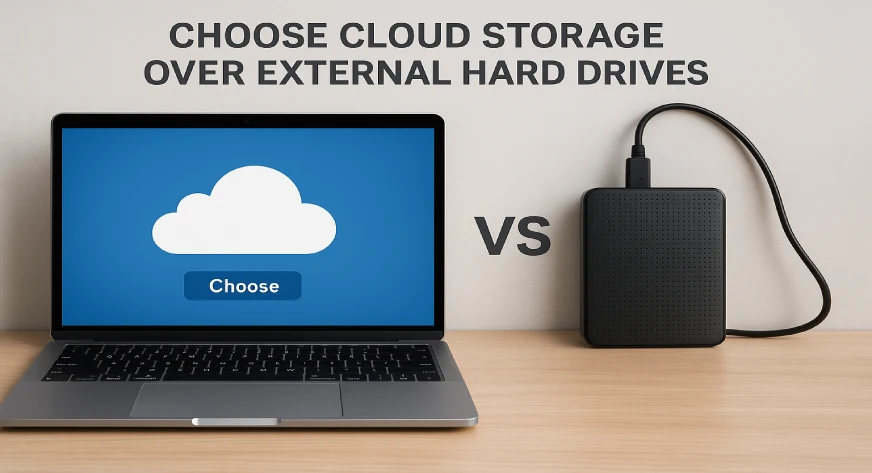
Cloud storage is often a better choice than external hard drives because it’s more secure, accessible from anywhere, and easier to scale.
When it comes to storing data, most people immediately think of external hard drives. They are familiar, tangible, and easy to plug in. But with the growth of remote work, digital collaboration, and large file storage needs, cloud storage has emerged as a practical, flexible, and often safer alternative. Understanding why cloud storage can be a smarter choice can help you protect your files, save time, and avoid unnecessary expenses.
How to Choose Cloud Storage Over External Hard Drives
When it comes to storing important files, photos, or work documents, most people think of two main options , cloud storage or external hard drives. Both can keep your data safe, but cloud storage is often the better and smarter choice. Here’s how you can choose cloud storage over external hard drives and why it makes sense.
Think About Accessibility
If you want to access your files anytime and from anywhere, cloud storage is the right choice.
You can log in from your phone, tablet, or laptop no need to carry a physical device.
External hard drives, however, need to be plugged in, and you can only use them on the device they are connected to.
Consider Backup and Sync Options
Cloud storage automatically backs up and syncs your files. This means your data is always safe, even if your device crashes or gets lost.
External hard drives don’t do this automatically — you have to connect and copy files manually every time.
Look at Data Security
Good cloud storage services like Google Drive, Dropbox, or OneDrive use advanced encryption and password protection.
They keep your data safe from hackers and data loss.
External hard drives can get lost, stolen, or damaged, and once that happens, you might lose your data forever.
Check Storage Flexibility
With cloud storage, you can easily upgrade or downgrade your storage space depending on your needs.
You only pay for what you use.
But with external hard drives, once the space is full, you’ll have to buy a new one.
Long-Term Safety
External hard drives can stop working after a few years because of physical damage or system errors.
Cloud storage, on the other hand, keeps your data safe online, backed up on multiple servers, and available anytime you need it.
Also Read, How Many Types of Cloud Storage Are There?
Advantages of Cloud Storage Over Hard Drives
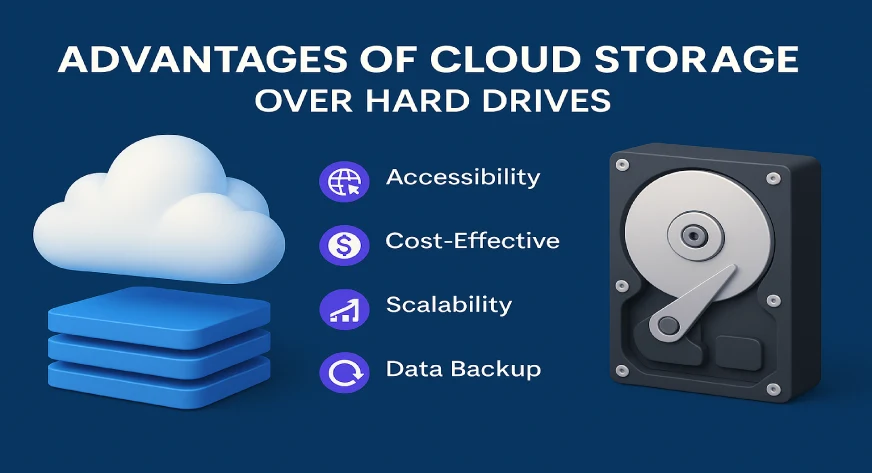
Cloud storage offers several key benefits that external hard drives can’t match:
- Accessibility Anywhere: Files stored in the cloud can be accessed from any device with an internet connection. This is especially useful for remote teams and people who travel frequently.
- Automatic Backups: Many cloud services automatically sync and back up files, reducing the risk of accidental data loss.
- Scalability: Cloud storage allows you to increase your storage space as needed, without buying multiple drives. You can start with a small plan and expand as your data grows.
- Collaboration Made Easy: Teams can share files, edit documents in real time, and track changes without sending attachments back and forth.
- Security Measures: Cloud providers typically use encryption and advanced security protocols to protect your files from unauthorized access.
Cost and Maintenance Considerations
- Buying Multiple Drives: As your storage needs grow, you might need several hard drives, which can be expensive.
- Replacement Costs: Drives fail over time and may need replacements.
- Time and Effort: Manually transferring files, backing up, and organizing drives takes time and effort.
With cloud storage, you pay a subscription or storage plan that scales with your needs, eliminating the need for multiple drives and reducing maintenance headaches.
Final Thoughts
For most users today, cloud storage offers more flexibility, security, and efficiency than external hard drives. From automatic backups to real-time collaboration, it simplifies data management and protects against common risks associated with physical drives. Whether you’re an individual managing personal files or a business handling client data, choosing cloud storage is a practical and forward-thinking decision.
For businesses and teams looking for a secure, scalable, and user-friendly cloud solution, Athena by WebWorks Co. offers unlimited workspaces, robust security, and centralized management, making collaboration and storage simple and stress-free.
